
In today’s fast-paced digital world, managing cloud environments efficiently is no longer a luxury—it’s a necessity. Azure Automations is Microsoft’s powerful solution designed to simplify cloud operations, reduce repetitive tasks, and free IT teams to focus on strategic initiatives. But what exactly can Azure Automations do, and why should your organization care? Let’s dive in.
What is Azure Automations?
Azure Automations is a cloud-based service that allows you to automate routine, time-consuming tasks. From managing virtual machines and scaling resources to handling backups and patching, Azure Automations ensures your environment runs smoothly without constant manual intervention. By creating workflows, known as “runbooks,” your IT team can automate complex processes, ensuring consistency and reducing the risk of human error.
How Azure Automations Saves Time
Manual cloud management tasks can be repetitive, error-prone, and time-consuming. Azure Automations eliminates these headaches by:
- Automating repetitive tasks: Schedule and execute routine jobs like starting and stopping virtual machines, cleaning up unused resources, or managing backups.
- Reducing errors: Automated workflows follow precise instructions every time, eliminating mistakes that can occur with manual processes.
- Ensuring compliance: Maintain governance standards by automatically enforcing security policies and resource configurations.
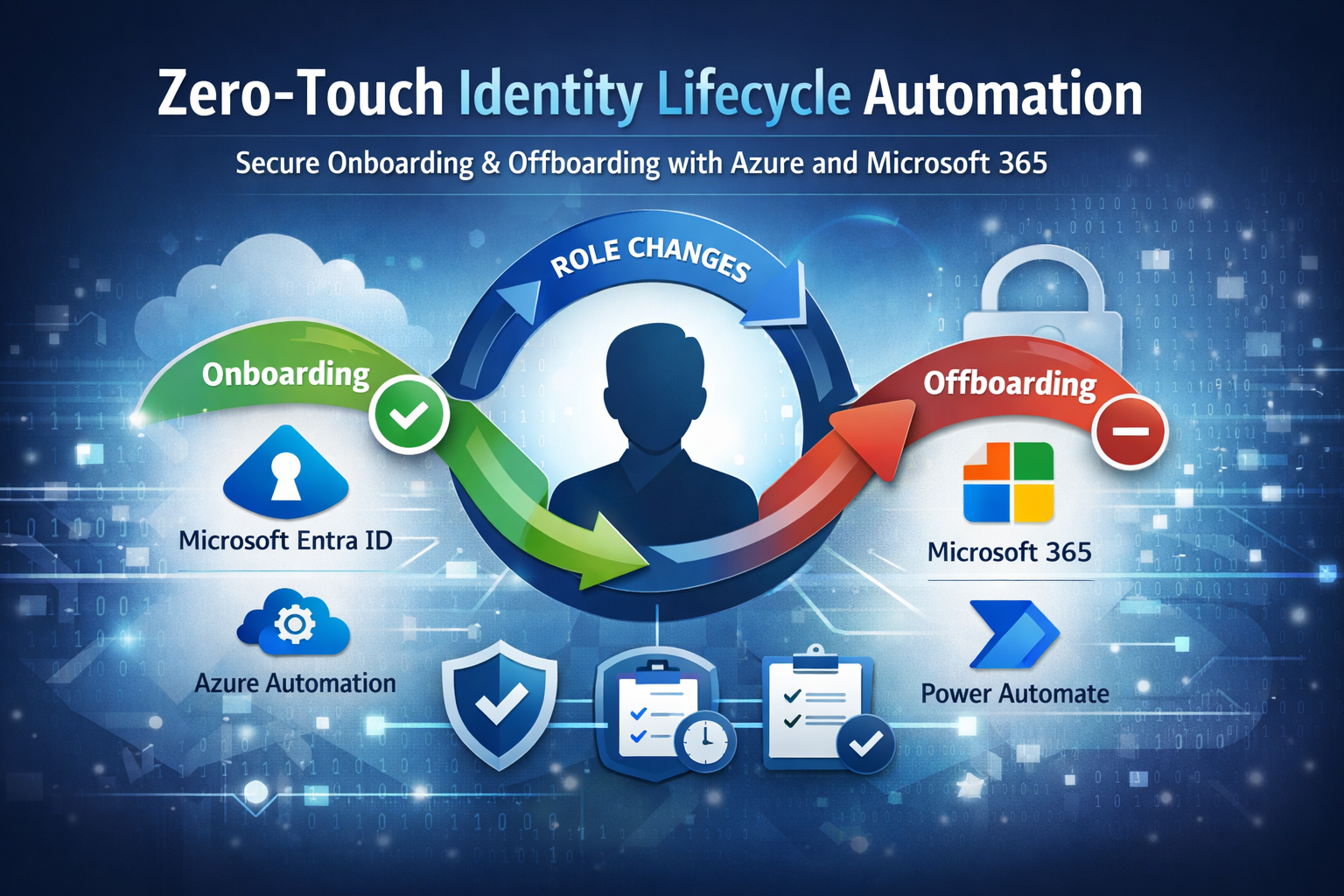
- Streamlining onboarding: Automate provisioning for new users, accounts, and environments—making onboarding faster and smoother.
Real-World Examples
Organizations that leverage Azure Automations often see measurable benefits, such as:
- Automatically shutting down idle virtual machines to save on cloud costs.
- Running regular compliance checks and security updates without manual oversight.
- Generating reports and sending alerts when thresholds or issues are detected.
- Handling zero-touch account creation for new employees, reducing IT workload.
Why It Matters
With Azure Automations, IT teams can focus less on repetitive maintenance and more on innovation and strategic projects. It increases reliability, ensures processes are consistent, and ultimately helps organizations operate more efficiently.
Getting Started
Implementing Azure Automations doesn’t have to be overwhelming. Start small by automating high-impact, repetitive tasks and gradually expand. Microsoft provides pre-built runbooks and templates that can be customized to fit your organization’s unique needs.
Conclusion:
Azure Automations is more than just a convenience—it’s a productivity powerhouse. By automating routine tasks, you reduce errors, save time, and allow your IT team to focus on what really matters: innovation and growth.
Leave a Reply