
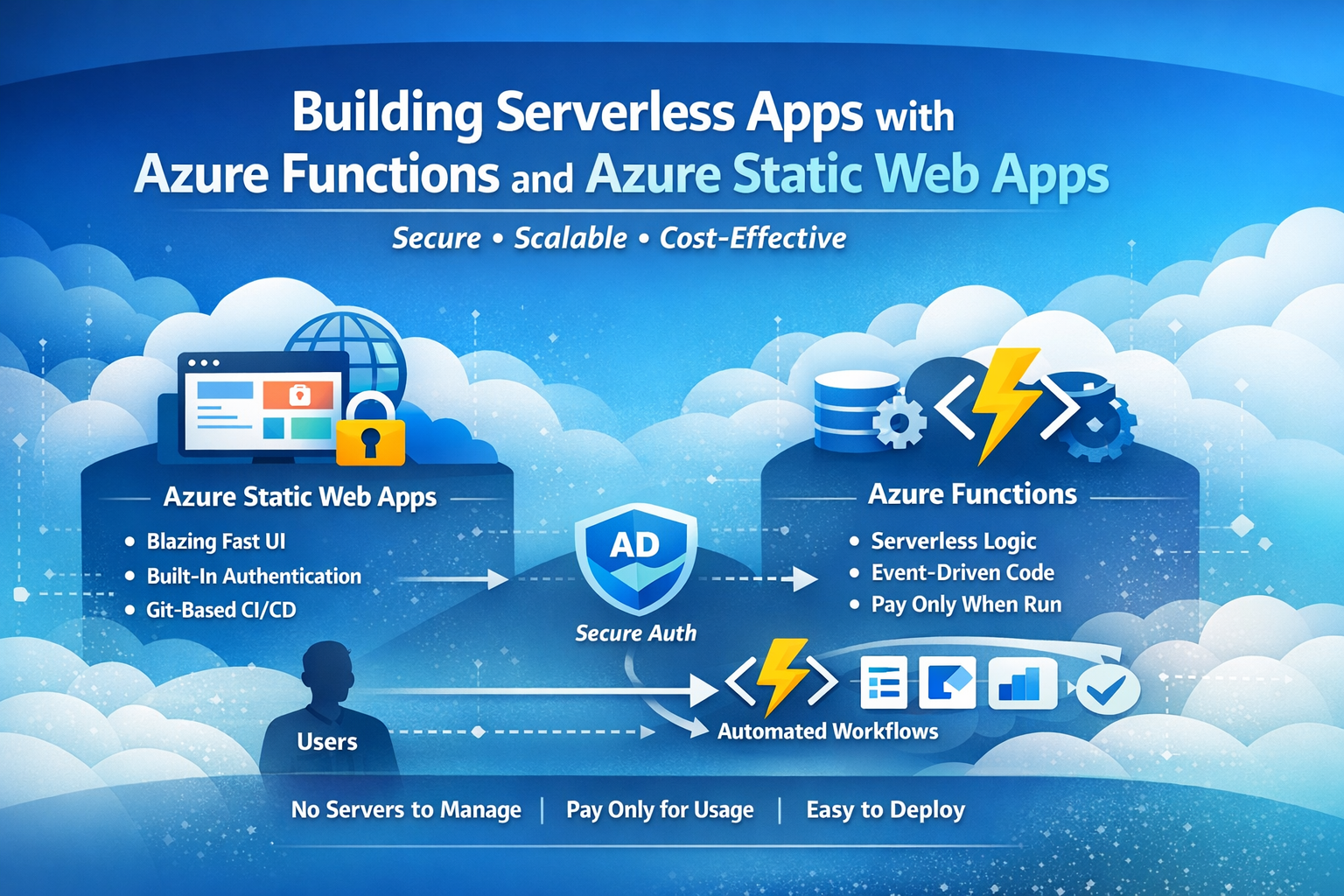
Modern IT teams are under constant pressure to deliver faster, reduce operational overhead, and maintain strong security—all without adding more infrastructure to manage. This is exactly where Azure Functions and Azure Static Web Apps shine.
Together, they form a powerful, cloud-native pattern for building secure, scalable, and cost-effective applications with minimal friction.
What Are Azure Static Web Apps?
Azure Static Web Apps (SWA) is a fully managed service for hosting modern web frontends such as:
- HTML / CSS / JavaScript
- React, Next.js, Vue, Angular
- Static documentation or portals
- Self-service internal tools
Key Benefits
- 🚫 No servers to manage
- 🔐 Built-in authentication & authorization
- 🌍 Global distribution via Azure Front Door
- 🔄 Git-based CI/CD by default
- 💸 Low cost with predictable pricing
Static Web Apps focus on frontend delivery, but real-world applications need logic—and that’s where Azure Functions come in.
What Are Azure Functions?
Azure Functions is Microsoft’s serverless compute offering. You write small, single-purpose functions that run only when triggered.
Common triggers include:
- HTTP requests
- Timers (scheduled jobs)
- Webhooks
- Queue or event-based messages
Why Azure Functions?
- ⚡ Instant scale up/down
- 🧠 Perfect for automation & APIs
- 💰 Pay only when code runs
- 🔐 Integrates with Managed Identity & Entra ID
- 🛠️ Ideal for IT workflows (onboarding, offboarding, approvals)
Why Azure Static Web Apps + Azure Functions Work So Well Together
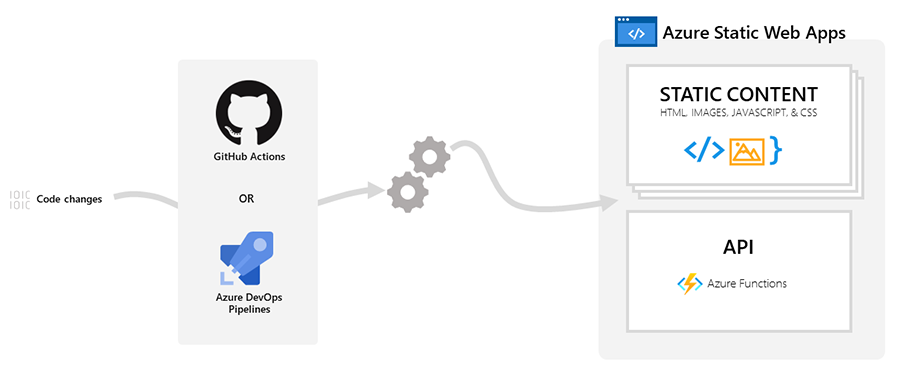
When combined, these two services create a clean separation of concerns:
| Layer | Responsibility |
|---|---|
| Static Web App | UI, forms, dashboards, self-service |
| Azure Functions | Business logic, automation, integrations |
| Azure AD / Entra ID | Identity & access control |
| GitHub / DevOps | CI/CD and version control |

Example Flow
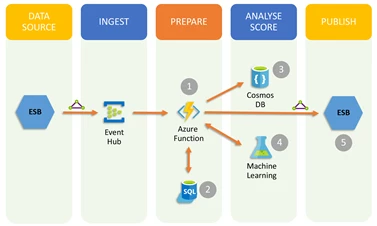
- User accesses a Static Web App
- Auth is handled automatically (Azure AD)
- User submits a form
- Azure Function processes the request
- Function triggers downstream automation (Graph API, Power Automate, Logic Apps)
- Result is returned to the UI
All without provisioning a single server.
Real-World Use Cases
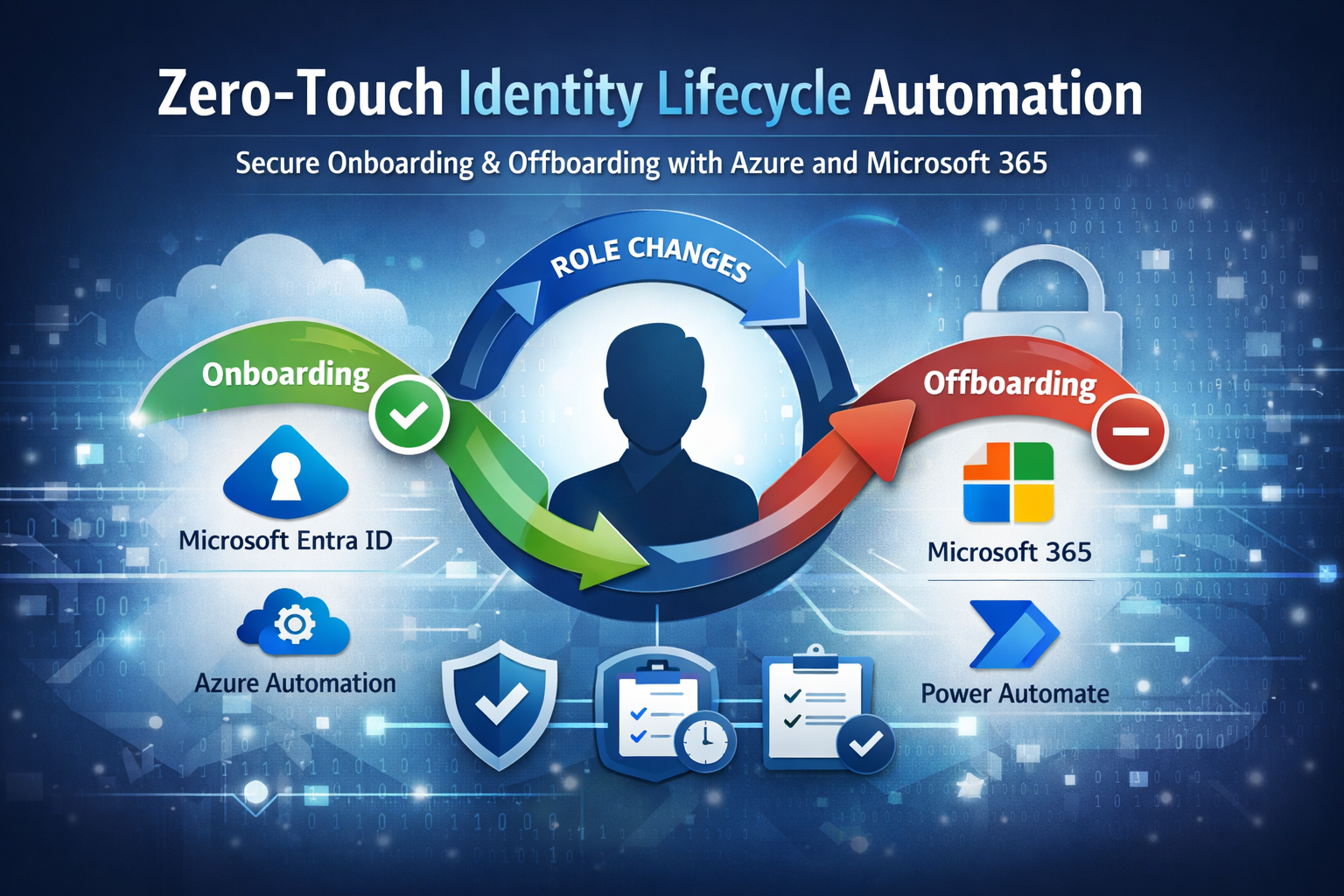
🔁 Employee Onboarding & Offboarding
- HR submits a form via Static Web App
- Azure Function provisions or disables accounts
- Licenses, groups, mailboxes, and access handled automatically
- Audit-ready timestamps written back to ticketing systems
📋 Internal IT Portals
- Access requests
- Equipment tracking
- Application approvals
- Emergency offboarding workflows after hours
📊 Secure Dashboards
- Read-only reporting portals
- Operational metrics
- Compliance visibility without exposing backend systems
Security by Design
One of the biggest advantages of this architecture is security without complexity:
- 🔐 Built-in authentication (Azure AD, GitHub, etc.)
- 🪪 Managed Identity for Azure Functions (no secrets)
- 🚧 Network isolation options
- 📜 Role-based access control (RBAC)
- 🧾 Clear audit trails
For IT and Ops teams, this means enterprise-grade security without maintaining infrastructure.
Cost & Operational Efficiency
Traditional web apps require:
- App servers
- Patch management
- Scaling strategies
- Monitoring infrastructure
With Static Web Apps + Azure Functions:
- No servers
- No patching
- Automatic scaling
- Pay-for-use compute
This model is especially attractive for small and mid-sized organizations that want enterprise capability without enterprise overhead.
When This Pattern Makes Sense
Use Azure Static Web Apps + Azure Functions when you want:
- Fast deployment
- Minimal operational burden
- Secure self-service portals
- Event-driven automation
- Clean separation between UI and logic
It’s not just a development pattern—it’s an operational advantage.
Final Thoughts
The best automation is invisible.
By pairing Azure Static Web Apps with Azure Functions, teams can deliver powerful solutions that:
- Scale automatically
- Stay secure by default
- Reduce manual work
- Free IT teams to focus on higher-value initiatives
If you’re looking to modernize internal tools, automate operations, or build secure self-service experiences—this serverless combo is hard to beat.
Leave a Reply